You haven't signed in yet, you can have a better experience after signing in
*Please complete the payment within {{receiveCouponInfo.expire_at}}Previous use*
You haven't signed in yet, you can have a better experience after signing in



Activity Rules
1、Activity time:{{ info.groupon.start_at }} ~ {{ info.groupon.end_at }}。
1、Activity time:cease when sold out。
2、Validity period of the Group Buying:{{ info.groupon.expire_days * 24 }} hours。
3、Number of Group Buying:{{ info.groupon.need_count }}x。
Please Pay Attention
1、Teamwork process: Join/initiate a Group Buying and make a successful payment - Within the validity period, the number of team members meets the activity requirements - Group Buying succeeded!
2、If the number of participants cannot be met within the valid period, the group will fail, and the paid amount will be refunded in the original way.
3、The number of people required and the time of the event may vary among different products. Please pay attention to the rules of the event.
Coodesker desktop icon organizing tool software






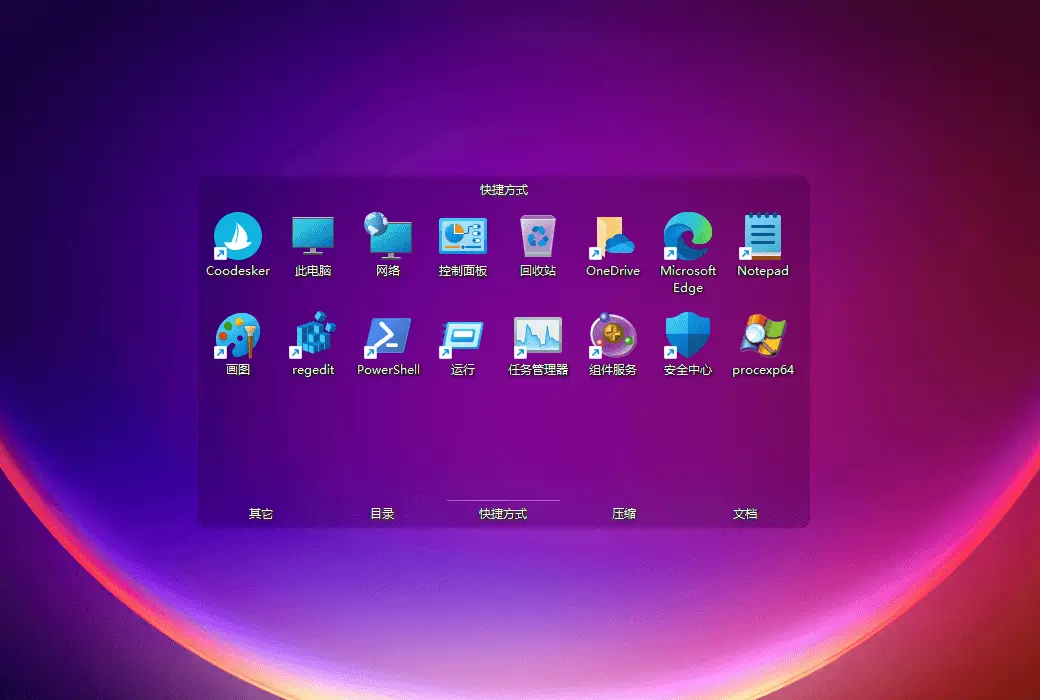
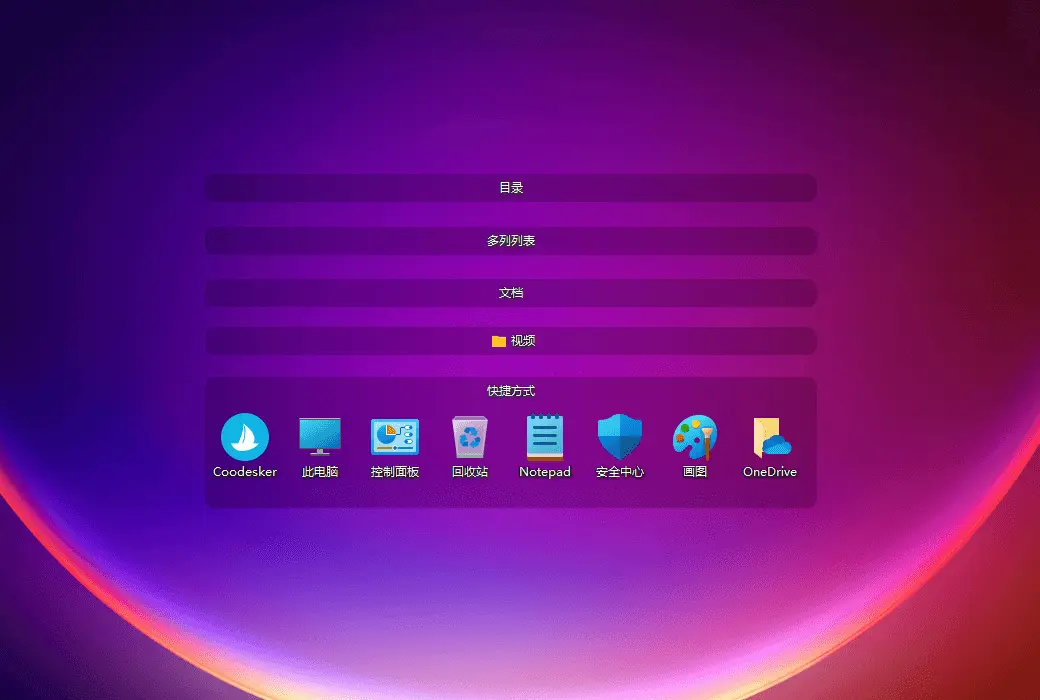
Kudai Desktop is a professional desktop organization tool developed for office workers. It can automatically classify and organize shortcuts, directories, images, and other files on the desktop, without ads or plugins, making it very lightweight and clean.
Functional Features
Support hardware accelerated rendering engine, fast running speed, minimal CPU and memory usage, and very stable operation on Win7+system.
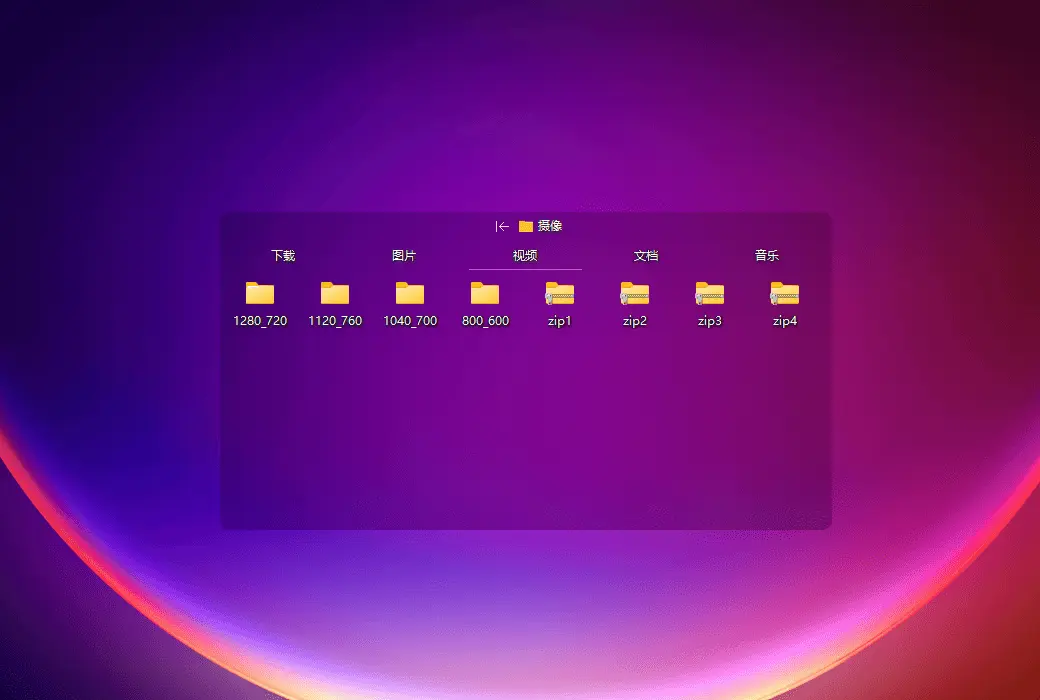
Support top desktop, allowing immediate access to your files, folders, and applications, helping you save time and improve work efficiency. In addition, you can also achieve quick access to commonly used content by creating a folder portal.
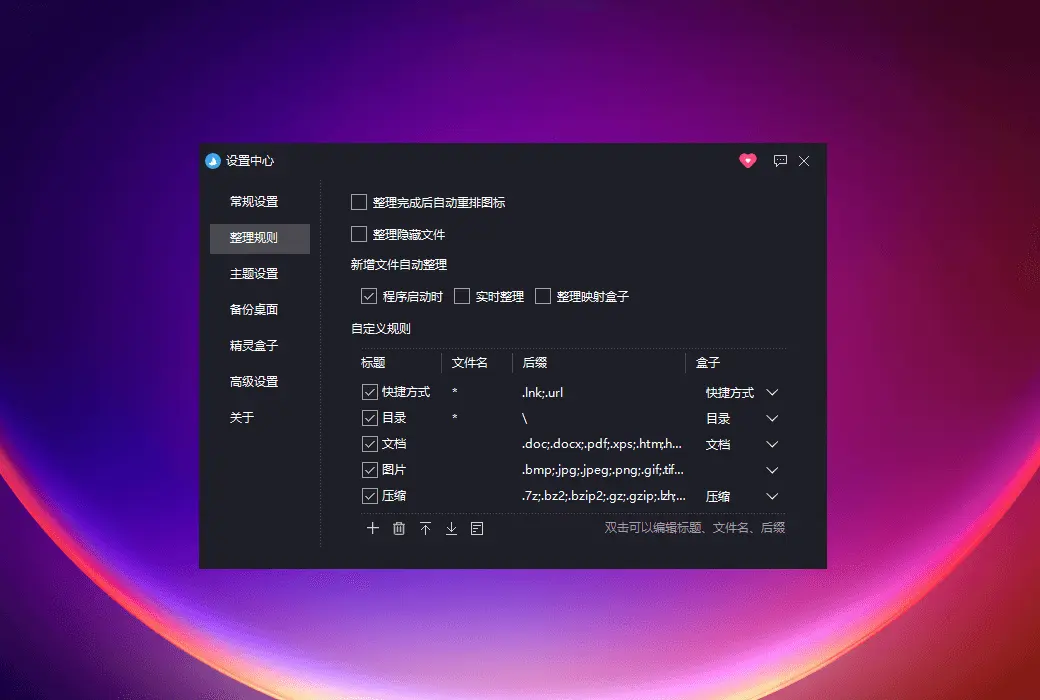
You can set your own organizing rules, which support wildcard characters to automatically organize files on your desktop or folder.
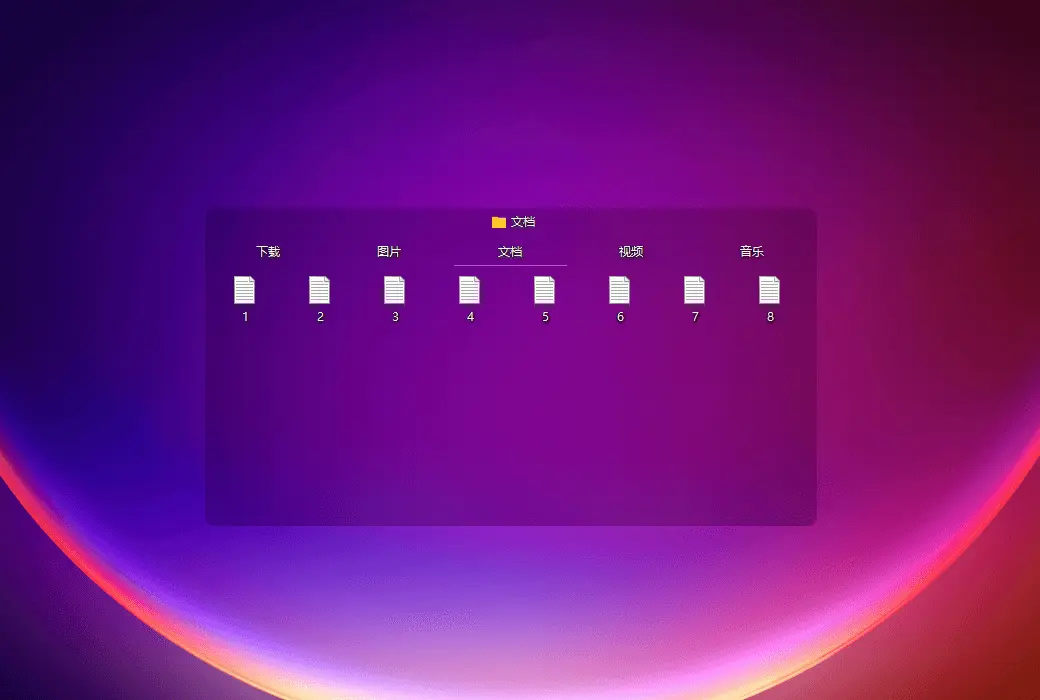
Support folder mapping, which can map any folder on the computer to the desktop for easy and quick access to folder contents.
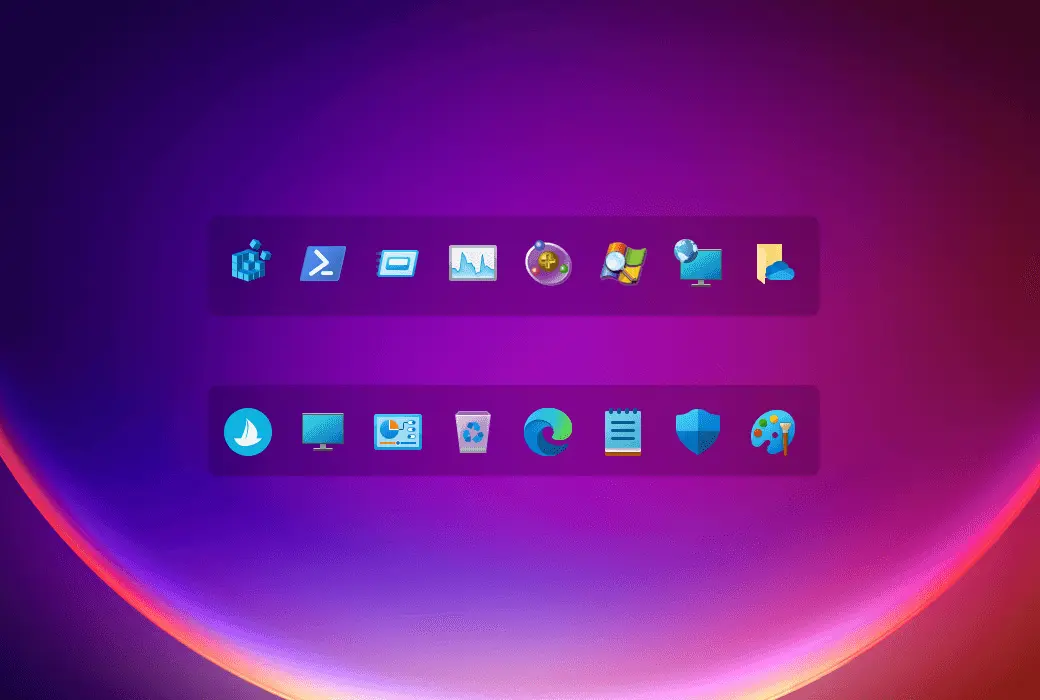
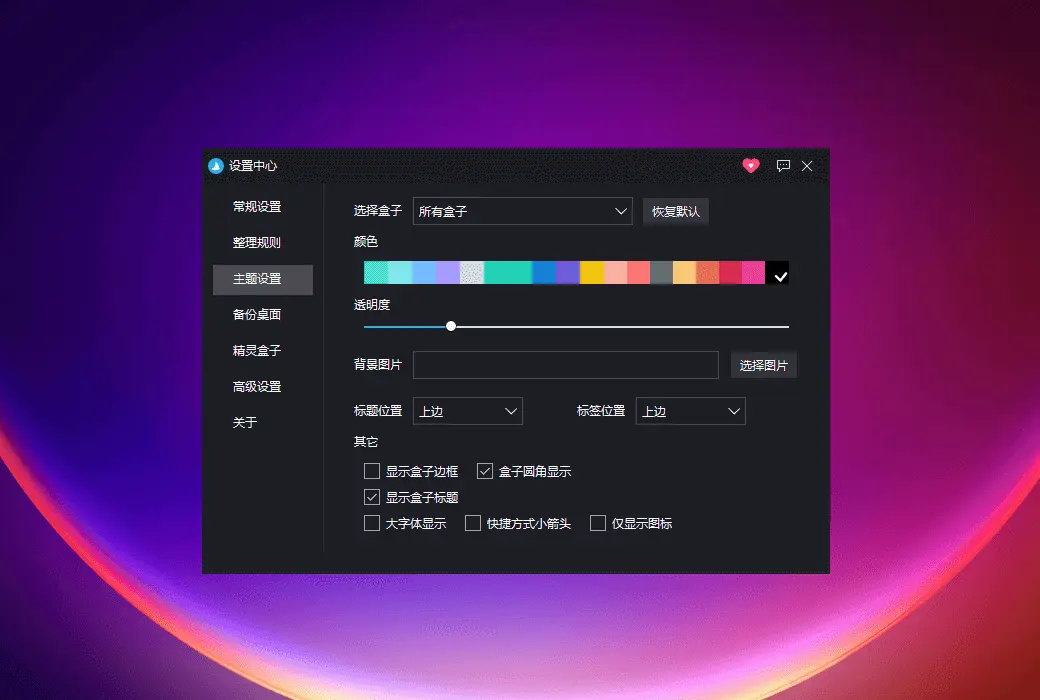
Support multiple theme settings, such as box frosted glass effect, box title/label position setting, only display icon mode, and hide shortcut arrows.
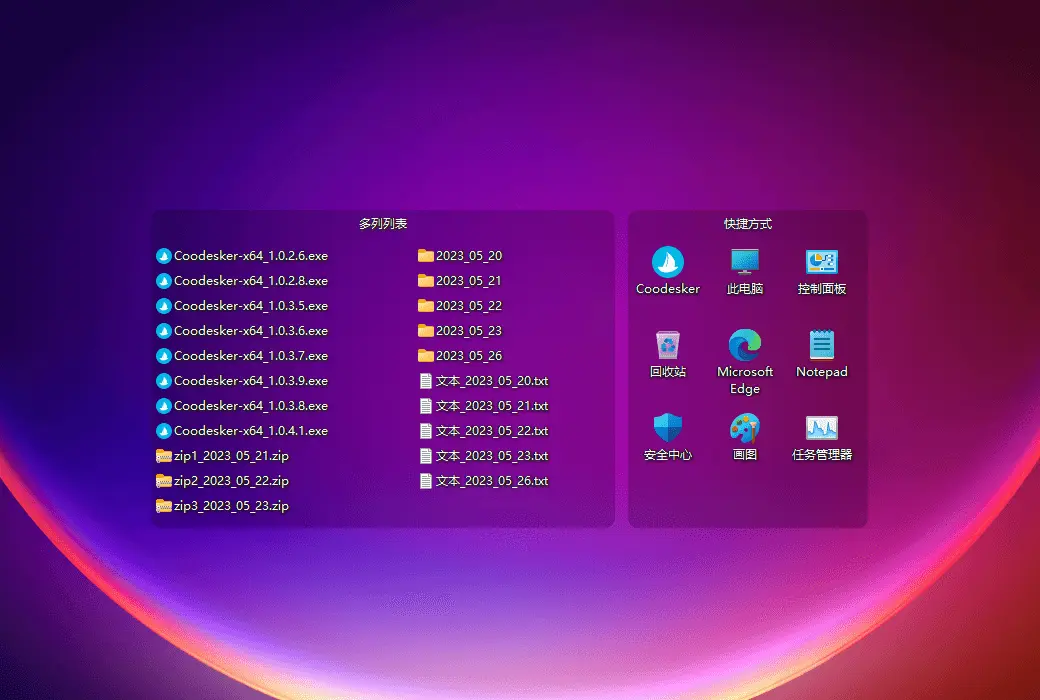
Support multi column list display, select icon vertical arrangement to achieve multi column display.
Supports sprite boxes, can be triggered by double clicking the Alt key, and comes with built-in custom folders.
Automatically save your layout for easy recovery in case of abnormal situations, or you can manually backup your layout.
Official Website:https://www.coodesker.com/
Download Center:https://coodesker.apsgo.cn/
Delivery Time: Automatic delivery within 24 hours
Operating System: Windows 7 and above
Interface Language: Supports Chinese interface display, with multiple languages available.
Update Instructions: The manufacturer promises lifetime updates and upgrades for one-time purchase.
Trial Before Purchase: Free trial available before purchase.
How to Receive the Product: After purchase, the activation information will be sent to the email used for the order. You can also view the corresponding product activation code in your personal center, under "My Orders".
Number of Devices Supported: Can be installed on 3 computers.
Changing Computers: 1. Unbind the current device: Settings - About - Activation and Authorization - Click Unbind; 2. The latest version 2.2.0.0 supports automatic display of activated devices after exceeding the device limit, allowing you to unbind manually.
Activation Guide: For Steam versions, please use the redemption code to redeem in the store: https://store.steampowered.com/account/registerkey
Special Instructions: Please note that if you can unbind yourself, try to do so. Frequent background unbinding of devices may sometimes be rejected, resulting in inability to unbind.

Any question

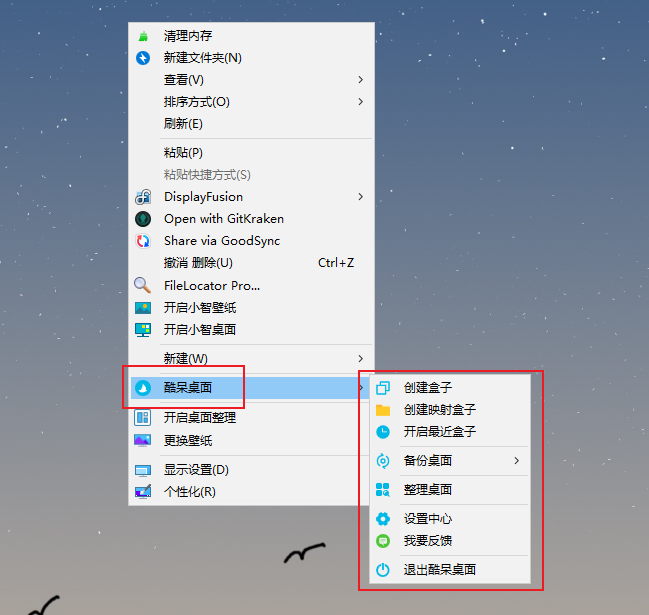
The operation method of Coodesker is to right-click on a blank page on the desktop after the software is running, as shown in the following figure: